Files
No files yet
No files yet. Add PDFs or images to start.
Settings apply to every file. Click a file to preview it.
Scanner glass preview
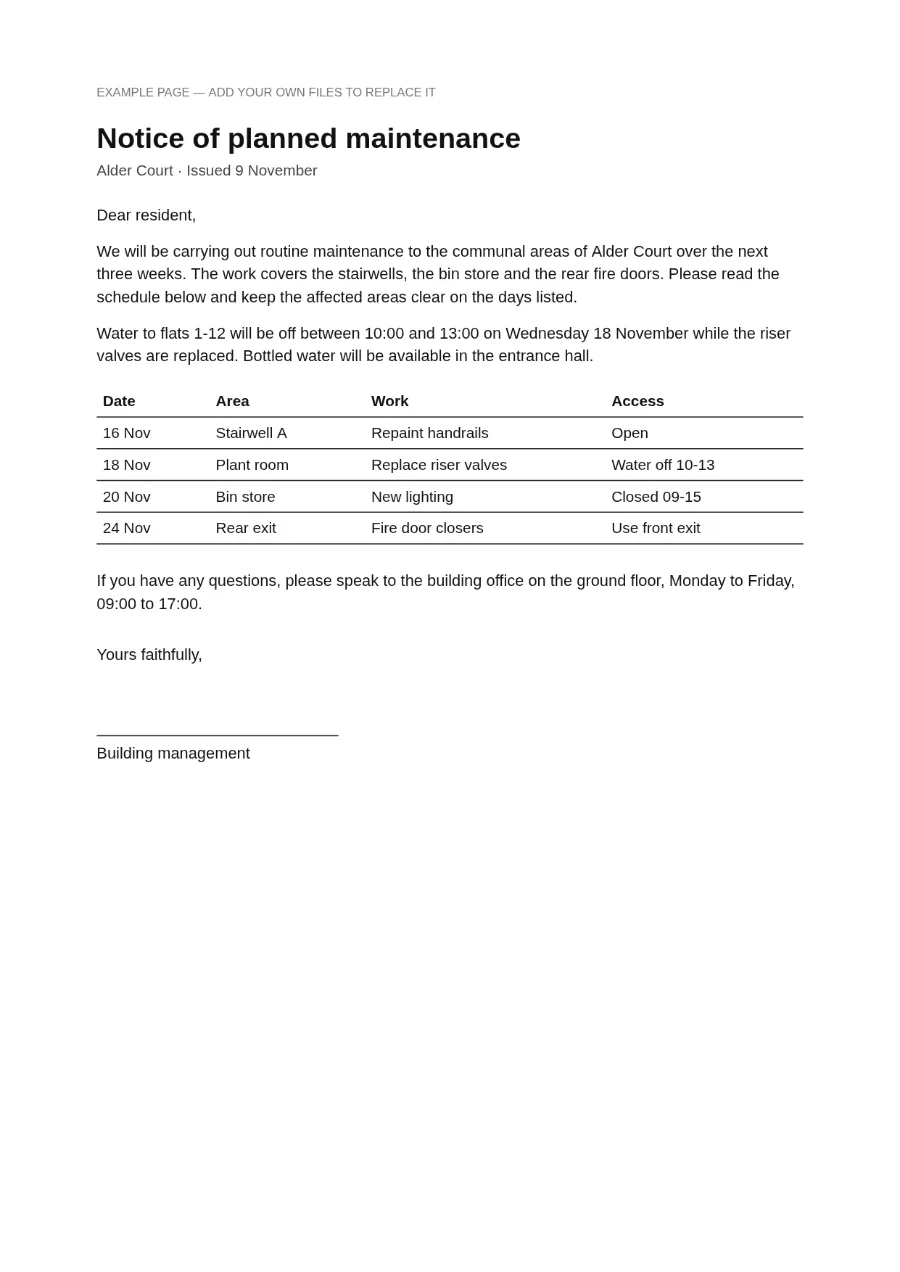
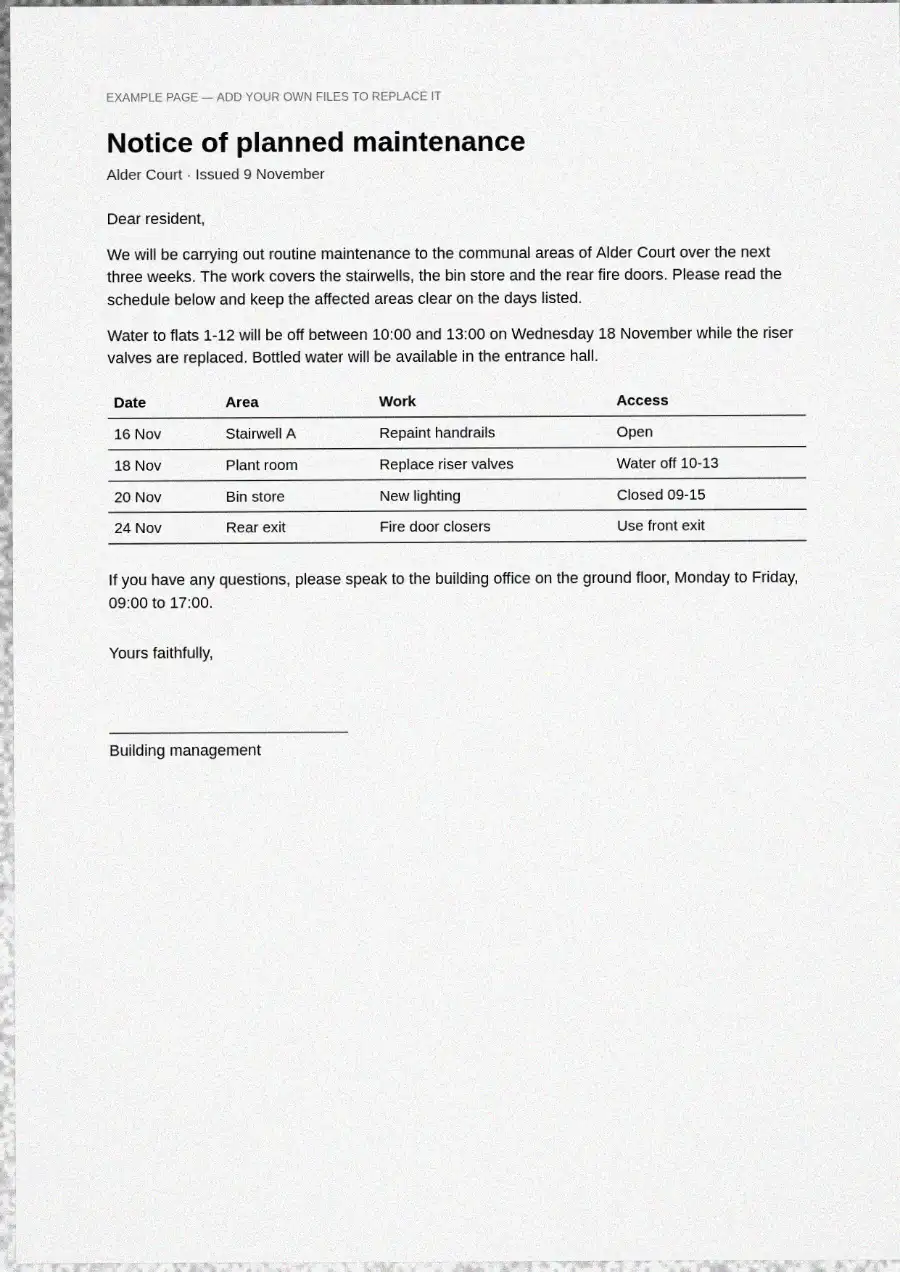
Page 1 of 1
Scanning…
Your PDF is being made inside this tab. Nothing is sent anywhere.
Page 1 of 1
Adjust
CustomSettings
Live preview
Example page
page 1 of 1 · skew −0.27°
Changes apply to every file you add.
Look
Custom · based on Clean scanPlacement on the glass
Output
Colour
Page size
Quality